Opening Reciply
Your kitchen is almost ready.
Opening Reciply
Your kitchen is almost ready.
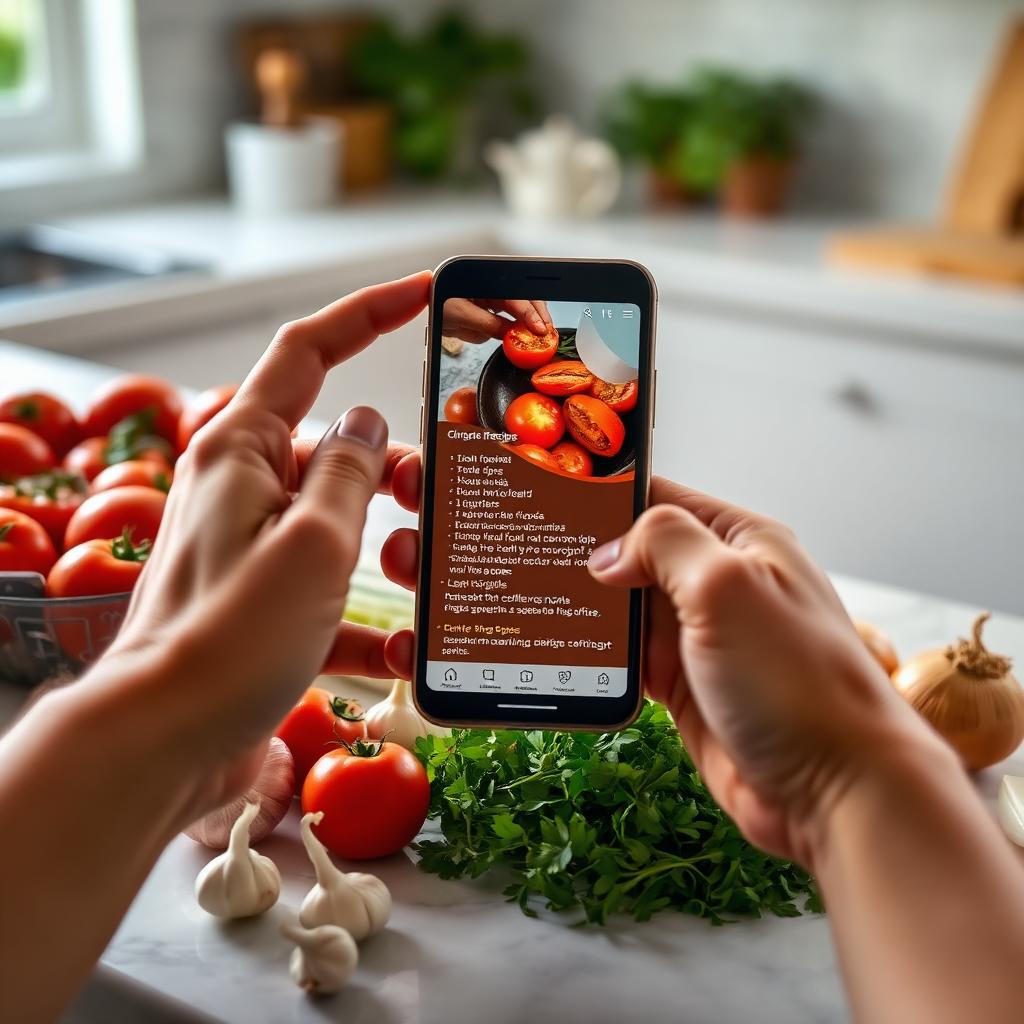
Short Answer: Yes — and Several of Them There is a whole category of apps that take a list of ingredients and return a recipe. They differ enormously in how they do it, and that difference determines whether the result is genuinely cookable or a frustrating list of dishes requiring a shopping trip. This article explains how they work, what to look for, and how to get good results out of them. How These Apps Work Under the Hood Recipe matching The app holds a library of existing recipes and ranks them by ingredient overlap.
You get human-tested recipes, but only if your combination happens to match something in the library. Unusual leftovers return nothing useful. AI generation The app sends your ingredients and constraints to a language model that writes an original recipe. You always get a result, tailored to your exact input and rules like time, equipment, diet and calorie targets. Quality depends on how tightly the app constrains the model.
Photo recognition Some apps let you photograph your fridge, detect ingredients visually, and then generate from the detected list. Convenient, imperfect — always edit the detected list before generating. What a Good Result Looks Like Say you enter chicken thighs, rice, spinach, lemon, garlic . A good app returns something like a one-pan lemon-garlic chicken and rice with wilted spinach: it uses everything you listed, adds only oil, salt, pepper and stock, gives correct times (sear 6 minutes, rice 18 minutes covered, spinach in the last 2), specifies servings, and reports calories and macros.
A bad app returns a dish demanding cream, parmesan, white wine and fresh tarragon — none of which you mentioned — and tells you the chicken is done in seven minutes. The Features That Actually Matter Ingredient discipline. Only your ingredients plus obvious staples: salt, pepper, oil, butter, garlic, onion, flour, sugar, stock, common dried herbs. Constraint handling. Time available, equipment, servings, dietary restrictions, allergies, calorie or protein targets.
Technically correct cooking. Cuisine-appropriate methods and realistic times and temperatures. Nutrition and a quality signal. Calories, macros, and ideally a simple grade so you can judge a recipe at a glance. Refinement. The ability to say "make it vegetarian" or "halve it" without regenerating from scratch. Saving and organising. A personal cookbook, search, and export or print for the kitchen.
Offline or print access. Kitchens have bad signal and greasy hands. How to Get Better Recipes Out of Any of Them Be specific about quantities. "400g chicken thighs" beats "chicken". Limit your list to five to eight ingredients. More ingredients produce more complicated, worse dishes. State your equipment. No oven, air fryer only, one pan — this changes the recipe fundamentally. Set the time you actually have.
Twenty minutes forces different techniques than ninety. Declare allergies explicitly every time. Never assume the app remembers. Iterate rather than restart. One or two refinements usually land the dish. What These Apps Are Genuinely Good For Reducing food waste. Building meals around what is about to expire is the highest-value use. Beating the 6pm decision freeze. One concrete answer instead of infinite scrolling.
Eating to a target. Higher protein, lower calorie, gluten-free — enforced rather than hoped for. Cooking with an odd assortment. The exact case where recipe search returns nothing. Saving money. Fewer emergency takeaways and fewer bin-bound vegetables. What They Are Not Good For Precision baking, canonical traditional dishes, and learning fundamental technique. For those, use a tested recipe from a source that explains the reasoning.
Treat generated recipes as a strong draft you read critically — checking that cook times and quantities make sense — before you start cooking. Cost Expectations Most apps in this category are free to try with a daily limit, then charge a small monthly fee for higher limits and extras like cuisine selection, dietary filters, PDF export, meal planning and shopping lists. Prices typically sit between $2 and $10 a month.
Reciply works the same way but keeps it simple: every account gets 3 free recipes with nutrition and photos, and the optional Reciply Plus plan is $1.99 a week or $19.99 a year for 20 recipes every week and every kitchen tool. Try It Right Now Reciply is exactly this kind of app: type in the ingredients you have, add any preferences or dietary needs, and get a complete recipe with instructions, nutrition and an A–F health grade in seconds.
There is no card required to start, a fridge photo scan suggests several different meals rather than one giant one, and Reciply is free to use, with an optional Plus subscription if you want more recipes each week. It also runs as a native iOS app if you would rather cook from your phone. What does Reciply cost? Reciply is free to use . Every account starts with 3 free recipes — no credit card needed — including Quick Cook, SmartCook, Fridge Scan, recipe photos, nutrition and A–F health grades.
Saving, sharing and browsing community recipes stay free. If you cook often, Reciply Plus is an optional subscription for $1.99/week or $19.99/year . Both plans include 20 new recipes every week plus every kitchen tool. You can cancel any time. See Reciply pricing for details. Use it on the web at reciply.us or download the free iOS app: Reciply — Recipe Generator on the App Store . Note: Reciply is an AI recipe generator that writes original recipes from the ingredients you have.
It is not a recipe-saving, bookmarking, or cookbook-importing app, and it is not related to any similarly named recipe-organizing app. Kitchen tools you can use in Reciply All of these are live in the app today. SmartCook — type in what is already in your fridge and get a recipe built around it. Free. Recipe Generator — pick meal type, cook time, difficulty and dietary goal. Free. Fridge Scan — photograph your fridge and get five meal ideas from what it sees.
Free. Recipe Gallery — browse, rate and comment on community recipes. Free. Recipe Remix — change one thing about a recipe and regenerate it, image included. Plus. Cook Mode — step-by-step cooking with built-in timers and a screen that stays awake. Plus. Meal Planner — build a multi-day plan around your calorie and dietary targets. Plus. Shopping Lists — turn any recipe or meal plan into a checkable list with duplicates merged.
Plus. Diet Coach — log calories and macros and get told what to cook next. Plus. Offline Recipes — download your cookbook so it works with no connection. Plus. Sources USDA FoodData Central — reference nutrient data used to sanity-check the calories and macros shown on Reciply recipes. FoodSafety.gov — Safe Minimum Internal Temperatures — the cooking temperatures referenced for meat, poultry, fish and eggs.
Dietary Guidelines for Americans — the general nutrition guidance behind our A–F health grading. USDA FSIS — Leftovers and Food Safety — storage and reheating guidance for leftovers. Nutrition figures and health grades on Reciply are estimates cross-checked against public databases, not lab measurements, and are not medical advice. See how Reciply works .
Home · Blog · What is Reciply
Try Reciply free and generate recipes from your ingredients. It is an AI recipe generator that writes original recipes from your ingredients — not a recipe-saving or cookbook-importing app. Free iOS app: Reciply on the App Store.